CMS End user documentation
This is documentation for consortium partners
Obtaining permissions
If you cant log-in to the Admin interface at
https://olcms.stem4youth.pl/admin/ ask the OLCMS administrator for
permissions.
Adding new CMS page
To add new CMS page:
- Go to admin interface:
https://olcms.stem4youth.pl/admin/; - Select:
Translatable Pages - Click
Add new Translatable page - Translatable page has only a single property
slug, which will form theURLof the page in our system.
So when you set slug toframeworkyour page will be visible ashttps://olcms.stem4youth.pl/framework.
- Now you’ll want to add some content to the translatable page, to do this
go to
Page Translationsand clickAdd new Page Translation. - Then fill following fields:
parent— this is reference to Translatable page;title— page titlelanguage— page language
Then click combo-box that says:
Insert New Contentand selectRich Text.When you are done click save.

Admin options for page translations
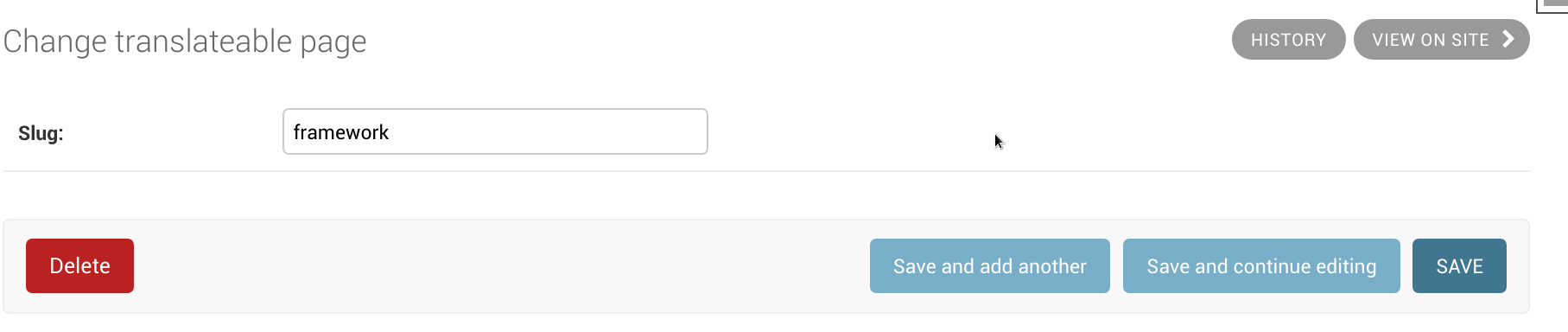
Adding a new page.
Adding a new page translation
Add new link to menu
To add new link in the menu you need:
Go to admin interface:
https://olcms.stem4youth.pl/admin/;Select
Menu Linkand thenAdd Menu Link.Set url to which this link will be pointing, eg. you want to put link to
frameworkpage you were creating, then set url to/framework/.If you want to link to external resource (which might not be a good idea) put fully qualified url here, eg:
http://google.com/?q=why+i+am+doing+this),Add translation of link label by selecting language and link text.

Menu link location

Fully filled menu item