Content management system
By Content Management System (or CMS) I refer to a functionality that allows you to add text (and/or other content snippets) to many different ContentItems or just to normal static pages.
Markdown
Markdown is a lightweight markup language that has very readable source text, and renders to plain simple HTML.
In most cases where we wanted users to provide simple text with some optional formatting we ask them to provide it in markdown format, which forces user not to complicate things too much.
CMS Pages
Cms pages functionality allow you to create static (that is not changing) pages at designated urls in the interface.
These pages may (and should!) be translated to languages for your users.
To create a page:
Go to admin page
Add new Translatable page.
Here just fill page
slug, if your site is atolcms.example.comand you add slug equal tomycmspageyour page will be visible athttp://olcms.example.com/mycmspageAdd page translations:
parent— translatable page (created in previous step)language— translation language. See here on how to tweak available languages.title— page titledefault— if true we will present this page if we don’t have “proper” language for user.contenthere you add content :)
Required CMS pages:
about— contains generic about informationterms— contains terms and conditions
Page Blocks
Page blocks are, hackish way to include content in different parts of page.
Page blocks use markdown formatting.
Adding page blocks is very similar to adding CMS Pages:
- Go to admin page
- Add new
Page Block. For a page block to be displayed you need to add it a known slug (known: means one that OLCMS understands — list is below) - Add new
Page Block Translationwhich works pretty much likePage
List of page blocks:
landing-page-help/landing-page-help-nomenufirst paragraph of text visible when user enters landing page. Should explain what is in the menu (and probably how to use the system)discipline.<slug>/discipline.description.<slug>where<slug>refers to a<slug>of a discipline (See tagging system for explanation)This adds descriptions for disciplines on discipline landing page, that is: when user enters
discipline/medicine, they’ll see descriptions fromdiscipline.medicineanddiscipline.description.medicine.wofkforce.<slug>— displays workforce information on all content items that belong to a given discipline. That is you’ll seeworkforce.medicinewhen visiting any Content Item.<slug>, used to display small tooltip near any domain that explains meaning of this discipline.
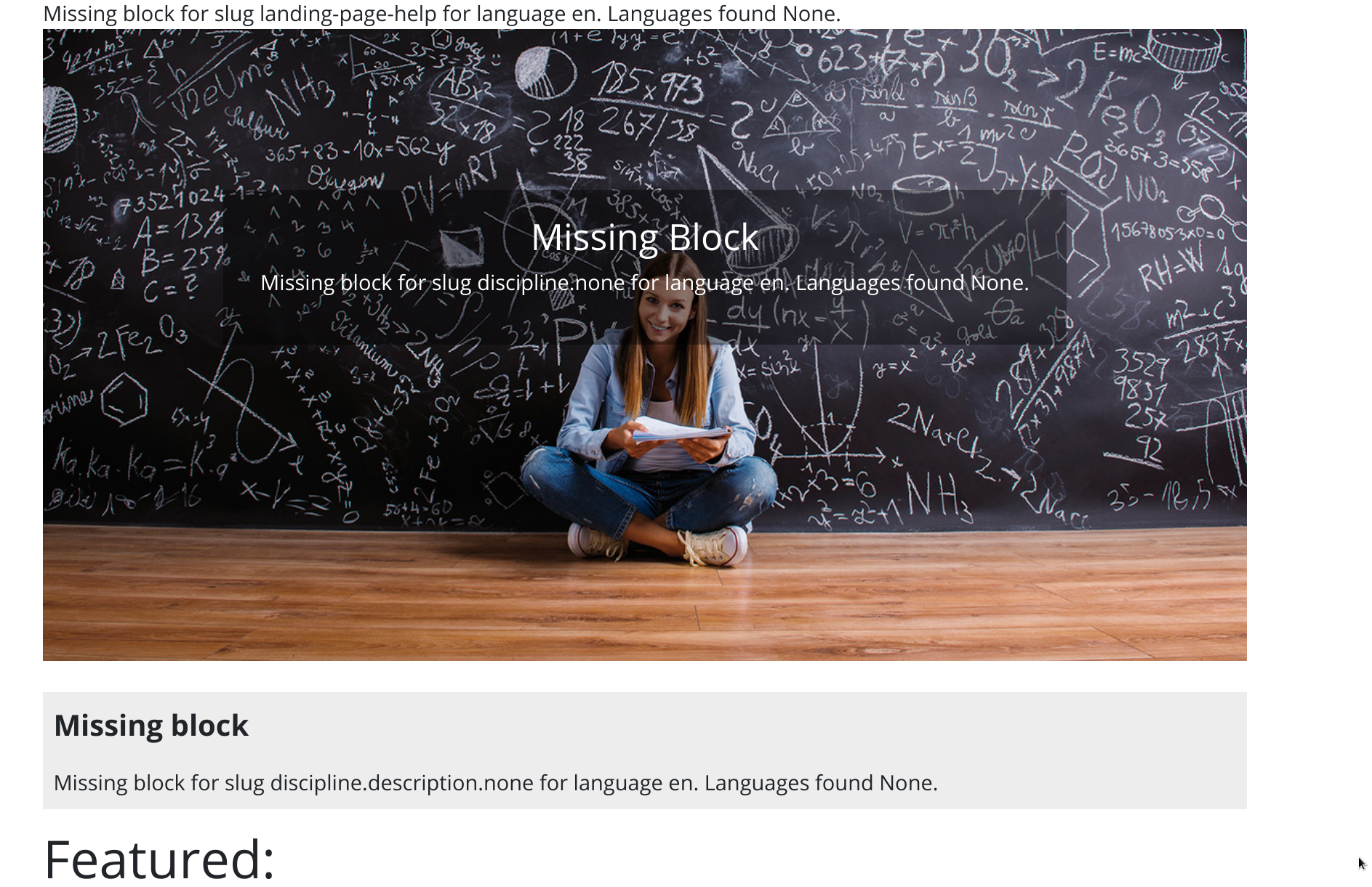
When you start application in DEBUG mode you’ll see missing blocks like
on below screenshots:
Main page links
You can programmatically add links to about menu and main page sidebar, by:
- Go to admin page
- Add new
Menu link - Add some translations for the link label.